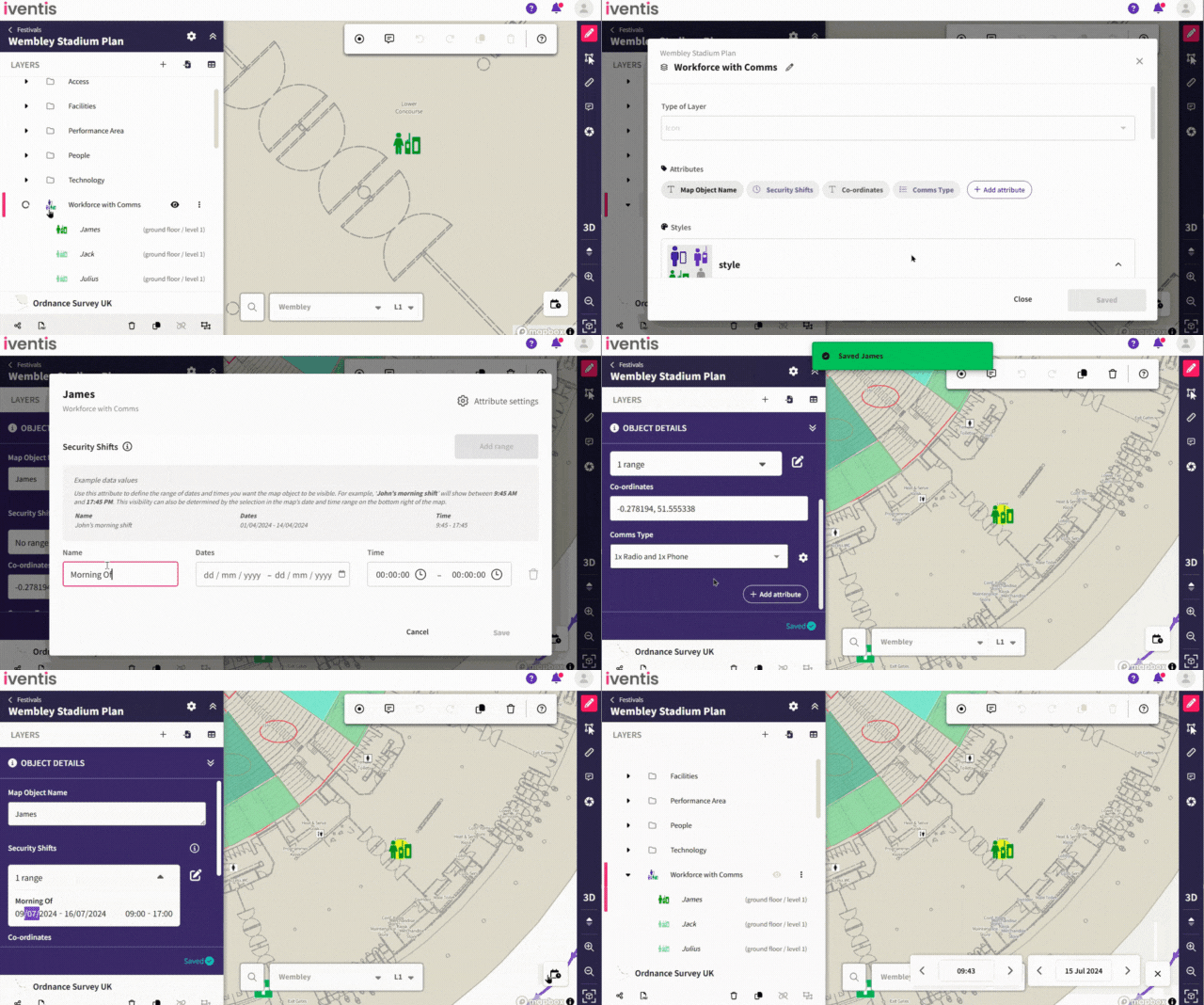
Users can now set a plan’s date and time using the date/time selector, which ensures map objects display only if they have a repeating date/time attribute that matches the selected range. Map objects without any repeating date/time attributes will be shown regardless of the selected date/time.
This functionality improves oversight of workforce shift planning. For example, if a steward is scheduled to work at a specific location on particular days or within a date range during an event, this new attribute allows users to see when stewards are on shift. This ensures clear visibility and efficient management of workforce schedules.
Improved navigation
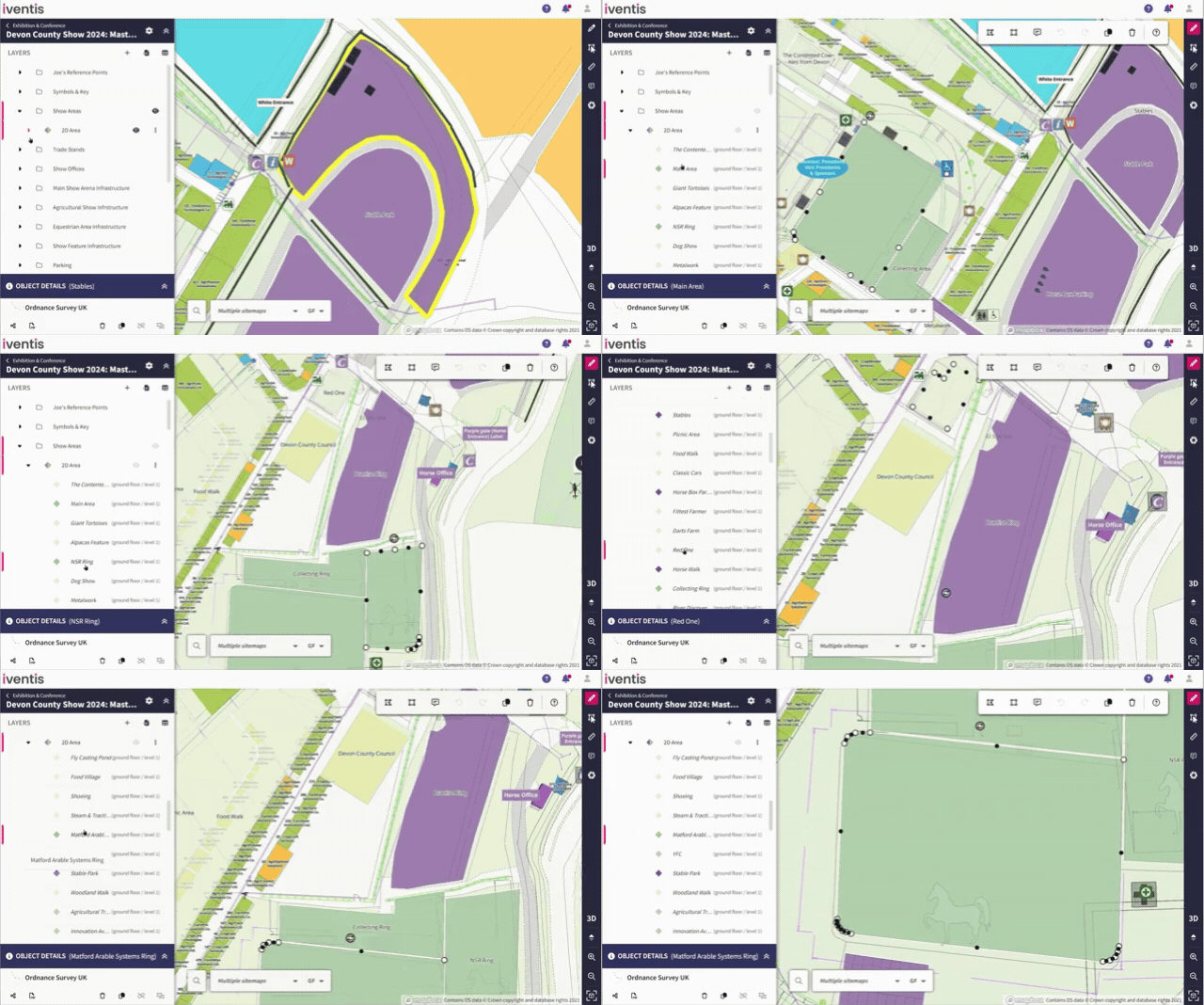
Clicking an object from the sidebar or attribute table now pans and zooms directly to that object on the plan.
This is particularly useful for plans with multiple layers and multiple objects, where locating a specific object can be challenging. Now, users can select an object from the sidebar or attribute table and the map immediately pans to the object, making it quick and easy to find exactly what you need.
Any duplicate or unused project attributes can now be deleted, provided they aren’t used in other plans. This will help to declutter data, making it easier to quickly add attributes to your layers.
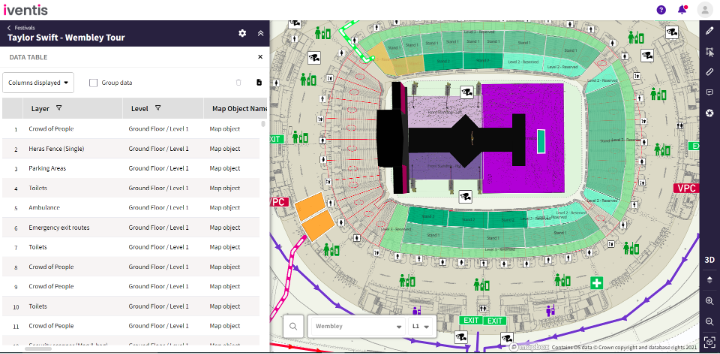
Users can now view the level at which an object was created in an attribute table.
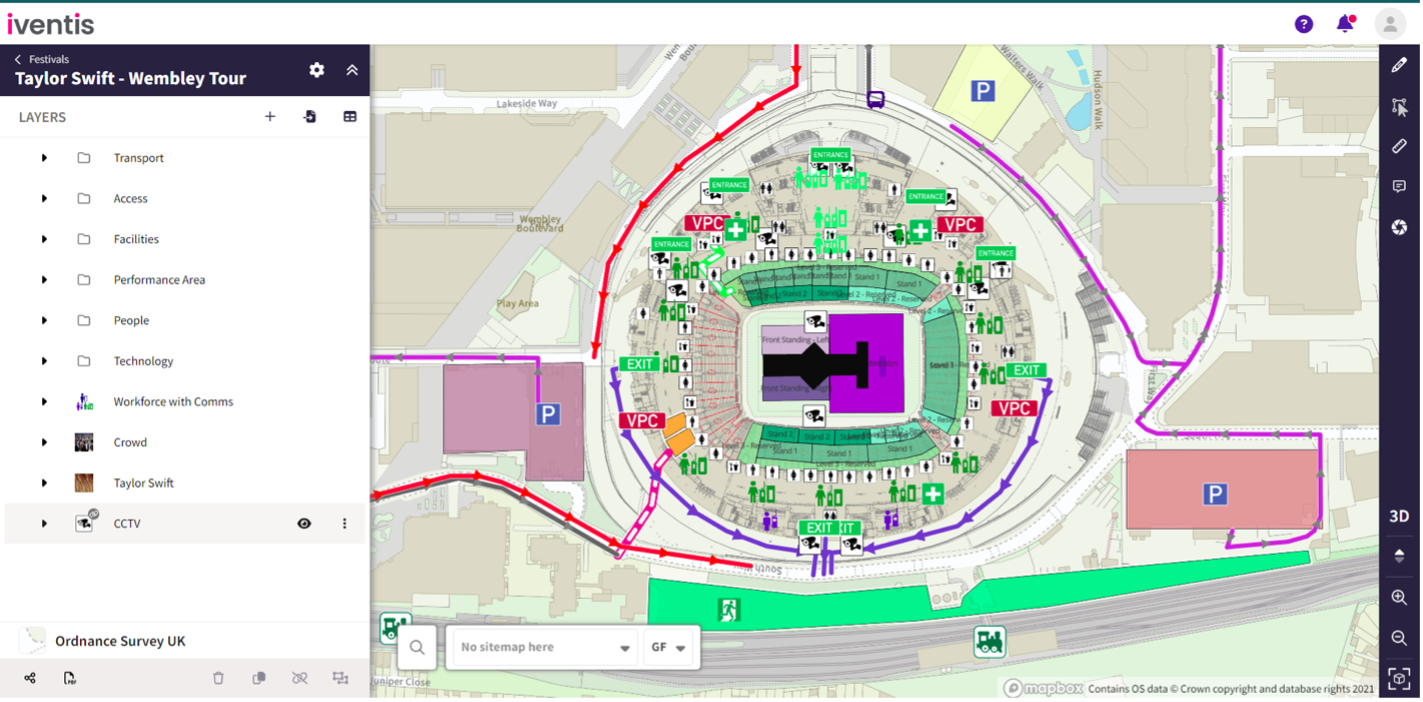
External users viewing a plan via a shared link can now view imported layers.
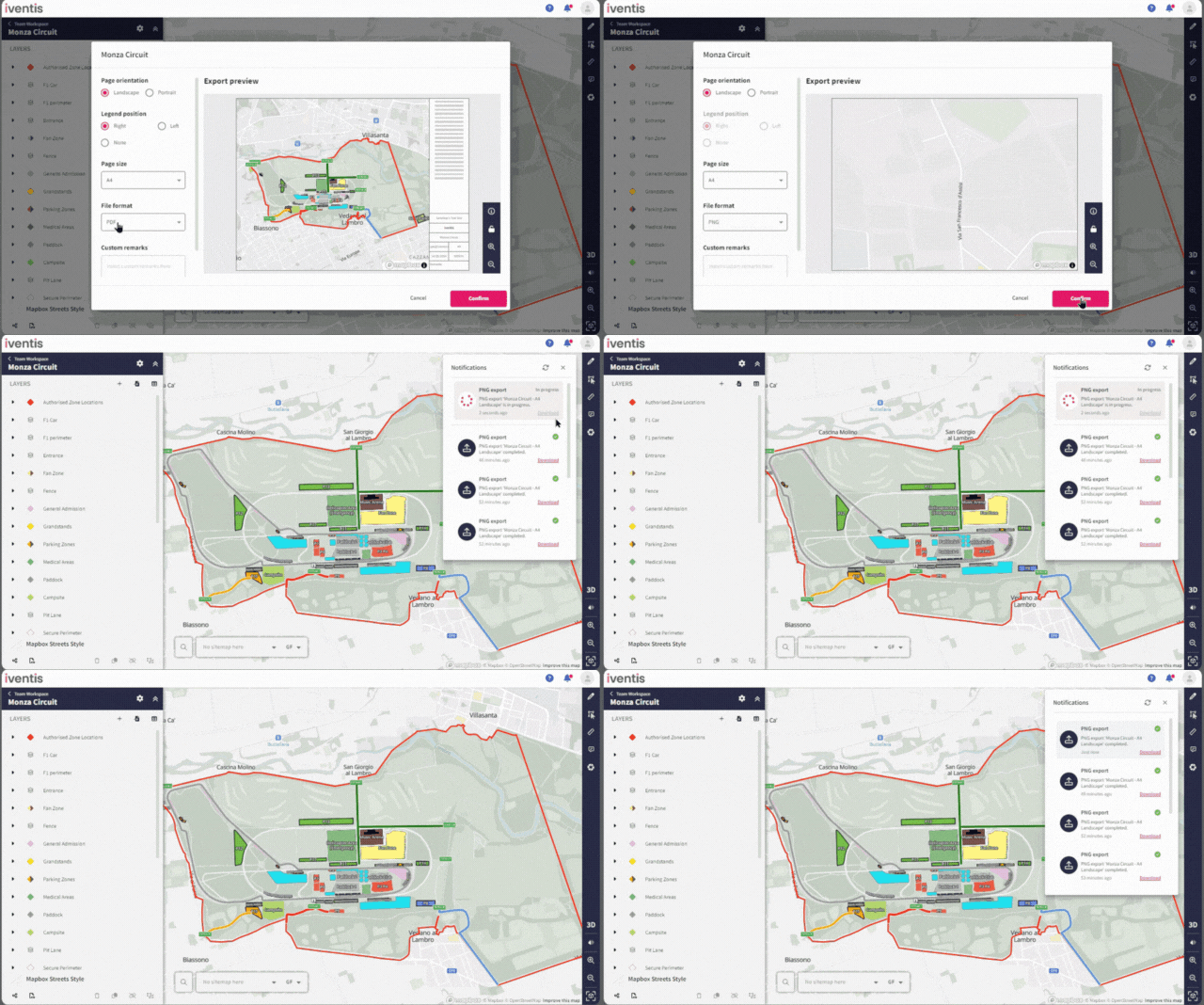
Whenever you export or download files, or comment on a plan, a notification will now conveniently appear in the form of bell icon in the top right-hand corner, keeping you informed of your activities.
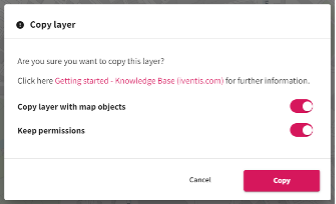
When copying or unlinking a layer, you can now choose to keep the permissions. Making it easier for you to retain the same access rights across any layer that you duplicate or unlink.
Enhanced Support for Non-English Characters
The Iventis Planner now seamlessly supports project names with non-English characters, including accents, diacritics, and symbols.
Faster Map Loading Speed
Maps now load quicker, enhancing performance when drafting, exporting, drawing, and editing plans.
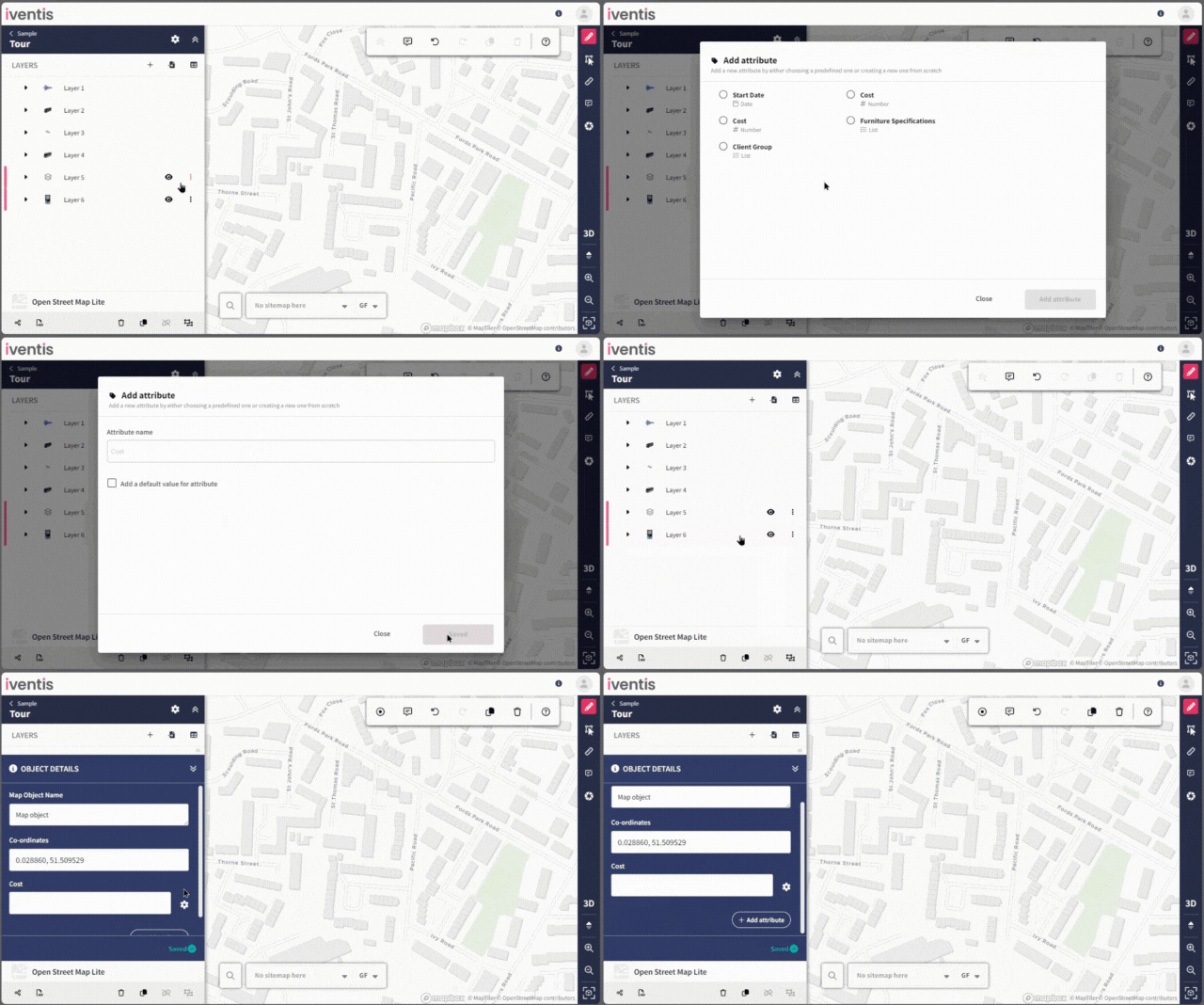
You can now add predefined project attributes to multiple layers at the same time. This will save you from having to add multiple attributes individually to each layer.
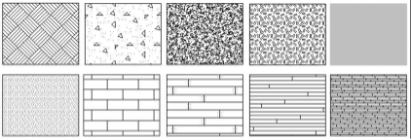
A fill pattern can now be viewed in your AutoCAD drawing to represent hatching for different layers and objects. These will be imported from your original CAD plan and be integrated into Iventis when we upload your file.
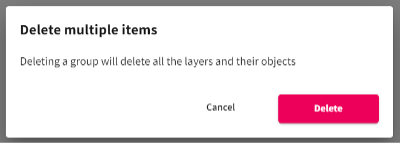
Confirmation when deleting a group
A new confirmation prompt now appears when you try to delete a layer from a selected group. This will help you to avoid deleting multiple important layers and objects!
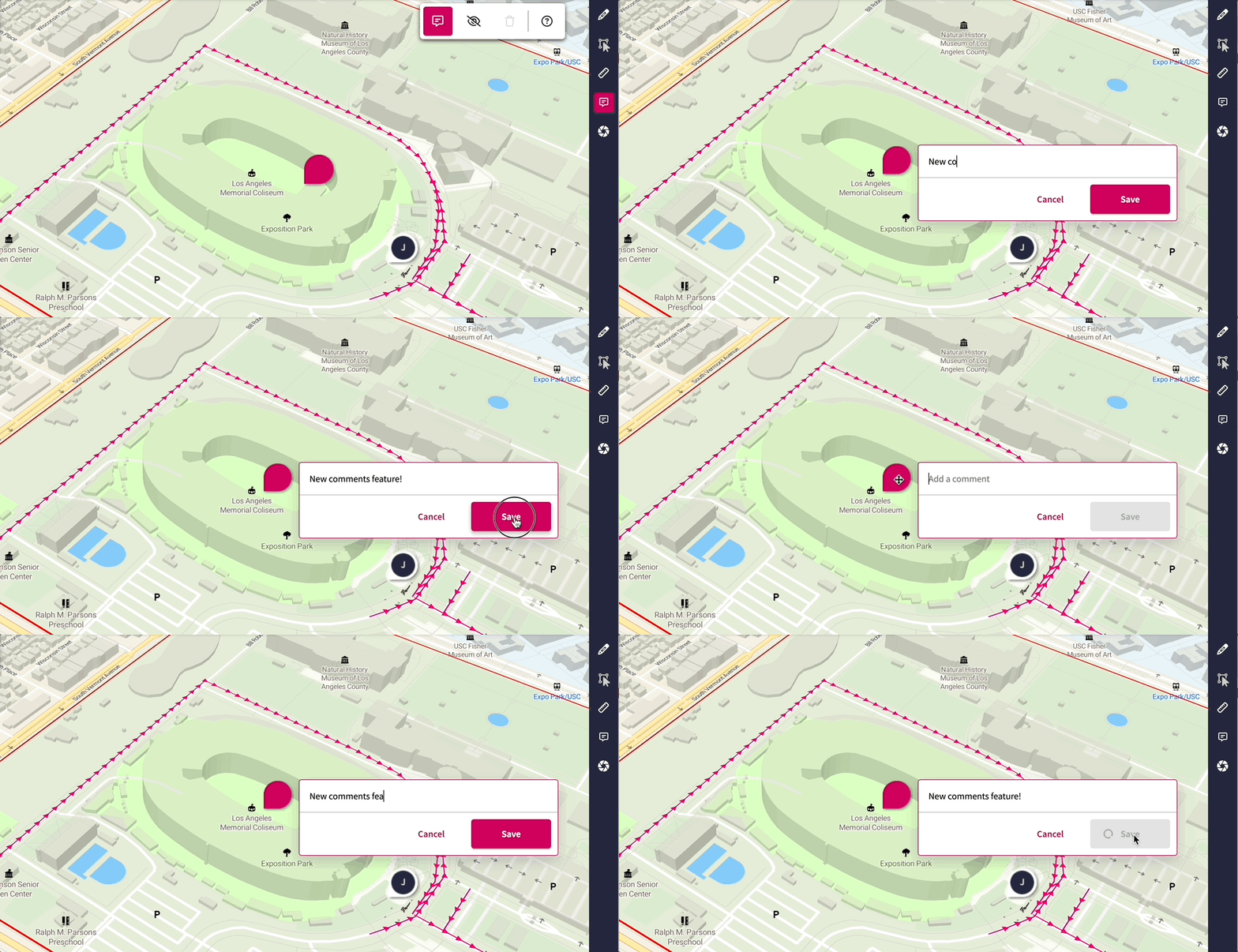
Our new comments feature enables users to collaborate effectively on their plans:
Stay tuned for additional enhancements to this feature in the near future!
“The Iventis mapping software has been instrumental with plotting, measuring and storing the relay route on a secure platform. It allows relay planners to use the mapping software as a development tool, creating and amending the routes. Additionally, it allows for multiple user groups, with various access rights, to view or edit plans and see real-time route amendments. Plans can be shared via a link or exported in KML and PDFs files.”

“We were happy to team up with such a renowned company as Iventis which significantly supported our team in their planning and delivery. The system was used across several functional areas to develop plans and co-ordinate our efforts in the run up to the event.”